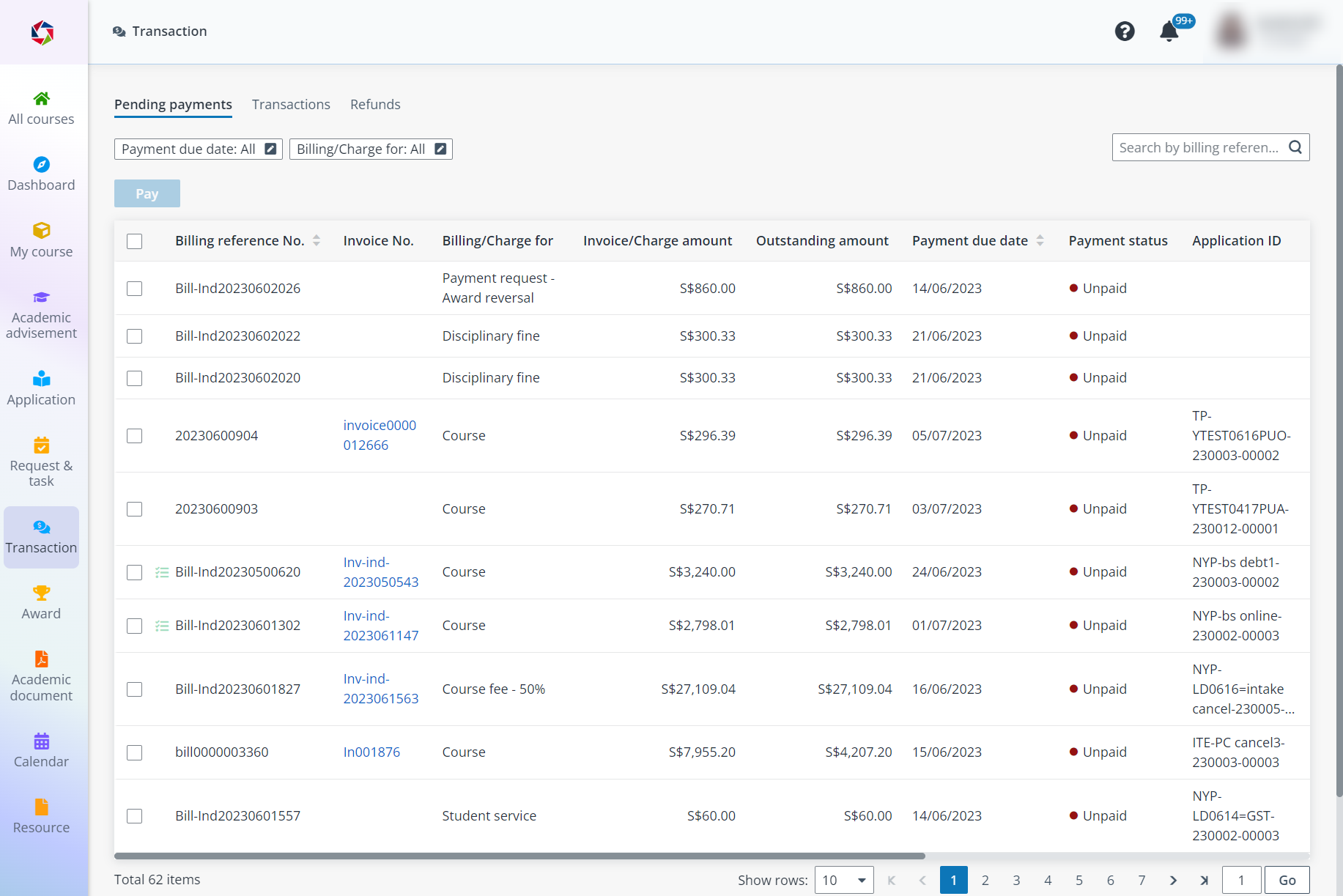
After applying for the courses, you can view and complete the pending payments, view the invoices and receipts of the transactions, and check your refunds in Transaction.
Click Transaction on the left navigation pane, and then refer to the following sections for the details on making payments and checking transactions.
•Q1: Can I use multiple payment modes for a single bill?
A1: Yes. You can choose one payment mode to make a partial payment first, then you will be directed back to the payment page with a balance amount to be paid. Here, you can simply choose another payment option to complete the payment.
•Q2: Why am I charged the course fee after the company cancelled sponsorship?
A2: Possible reasons:
o If you switch to self-sponsorship, an invoice for the course fee is generated immediately.
o If you withdraw right after sponsorship is cancelled, the system creates a $0 invoice, which is reversed automatically.
o If you initially choose self-sponsorship but withdraw later (e.g., 14 days before the course starts), the invoice will be reversed and updated to $0.
o If you withdraw less than 14 days before the course starts, you’ll receive a 50% refund.
o If you withdraw after the course has started, no refund will be issued.